Choose an area to view today’s status, manage your routine or review records.
Add whatever you actually take — any name, any brand. Wellsy just keeps track of what’s due and what you’ve had.
Tap the ones you take. This adds them to your schedule — it doesn’t mark them as taken. You can edit or remove any of them afterwards.
Add Body Composition Details (optional)
Not sure? Leave blank or enter your best estimate.
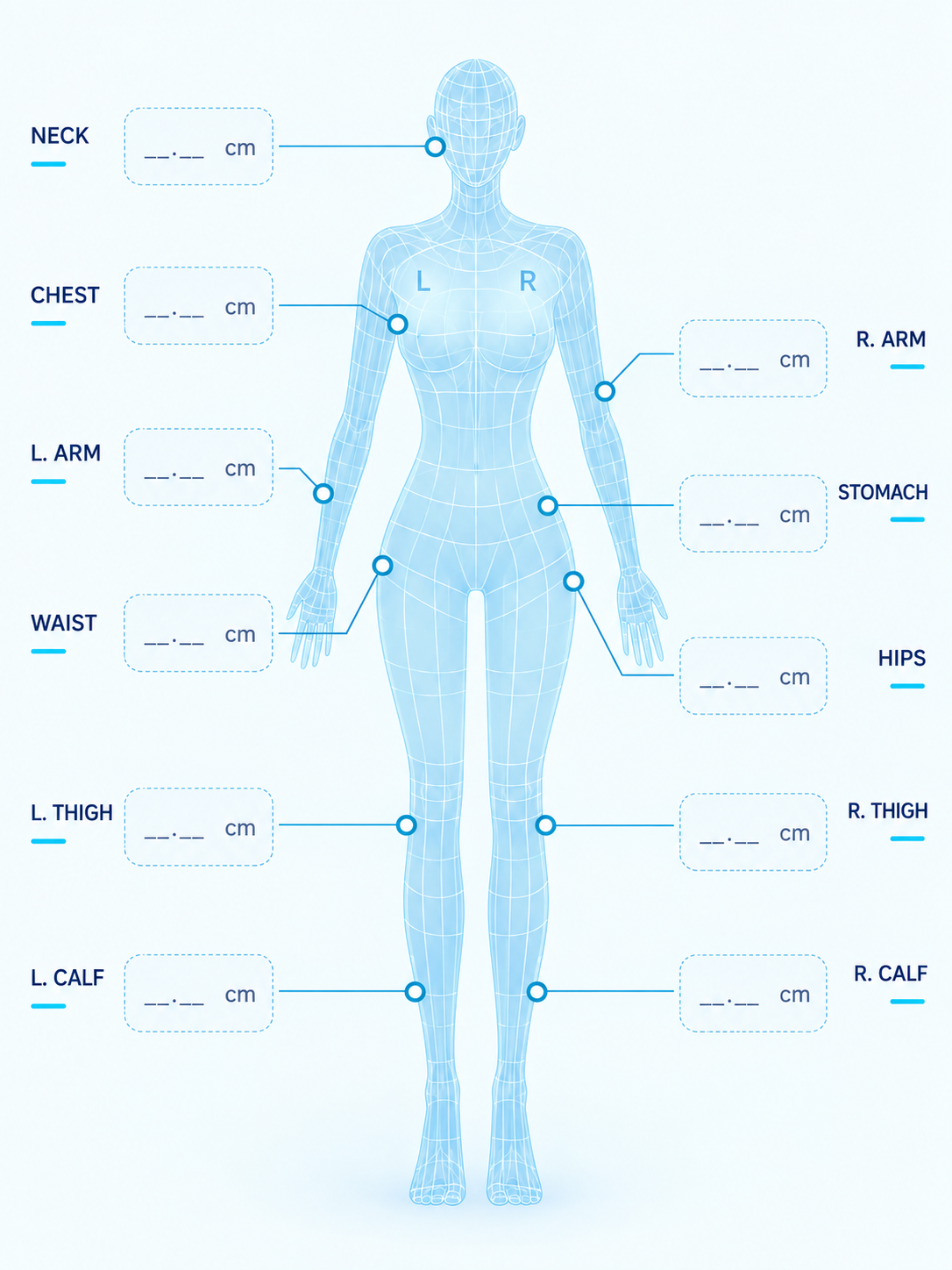
Your latest measurements at a glance — update them in the form below.
Select anything you noticed today, or add your own. This is a personal note to yourself, not a diagnosis.
Auto-set from your goal weight. General guidance — your provider may suggest a different number.
Add, edit, archive or remove the supplements you track. Wellsy is brand-neutral — enter any product name you like.
How often you intend to record a weight or a set of measurements. This only affects This Week’s Wellness Progress — nothing is enforced, and you are never marked down before a check-in is due.
A printable wellness progress report for your next consultation. Private reflections are never included.
These pop up only while Wellsy is open. For reminders when Wellsy is closed, use the switches above. These are nudges only — they are not a medical alert system.
Getting Started
Home shows today’s score, mood, symptoms and tracker status. Tap a card to open its full tracker.
Quick Add opens the existing forms for supplements, food, water, exercise, symptoms, weight and measurements.
Progress contains Weight, Measurements, charts and history.
Profile contains your account, goals, routines, reminders, backup/restore and support options.
Your data is saved on this phone. With Cloud backup on, it is also saved in your account.
⚕️ This tracker is for personal organization only and does not replace medical advice. Always follow your clinician's guidance.